Email like Outlook.
Grow like a marketing team.
Write to one person or a whole list from your own mailbox. Spread sending across several accounts safely, attach files, track opens and replies — and turn interested replies into leads.
Sign up
Free account with Google in one click.
Connect Gmail
Send from your own mailbox — add more anytime.
Import contacts
CSV or Excel, cleaned automatically.
Send & follow up
New email or campaign, then track replies.
See EmailCMS in 3 minutes
Narrated in Hindi and English — from sign-up to your first reply.
Everything you need, nothing confusing
Familiar like your inbox, powerful like a marketing tool.
New email, just like Outlook
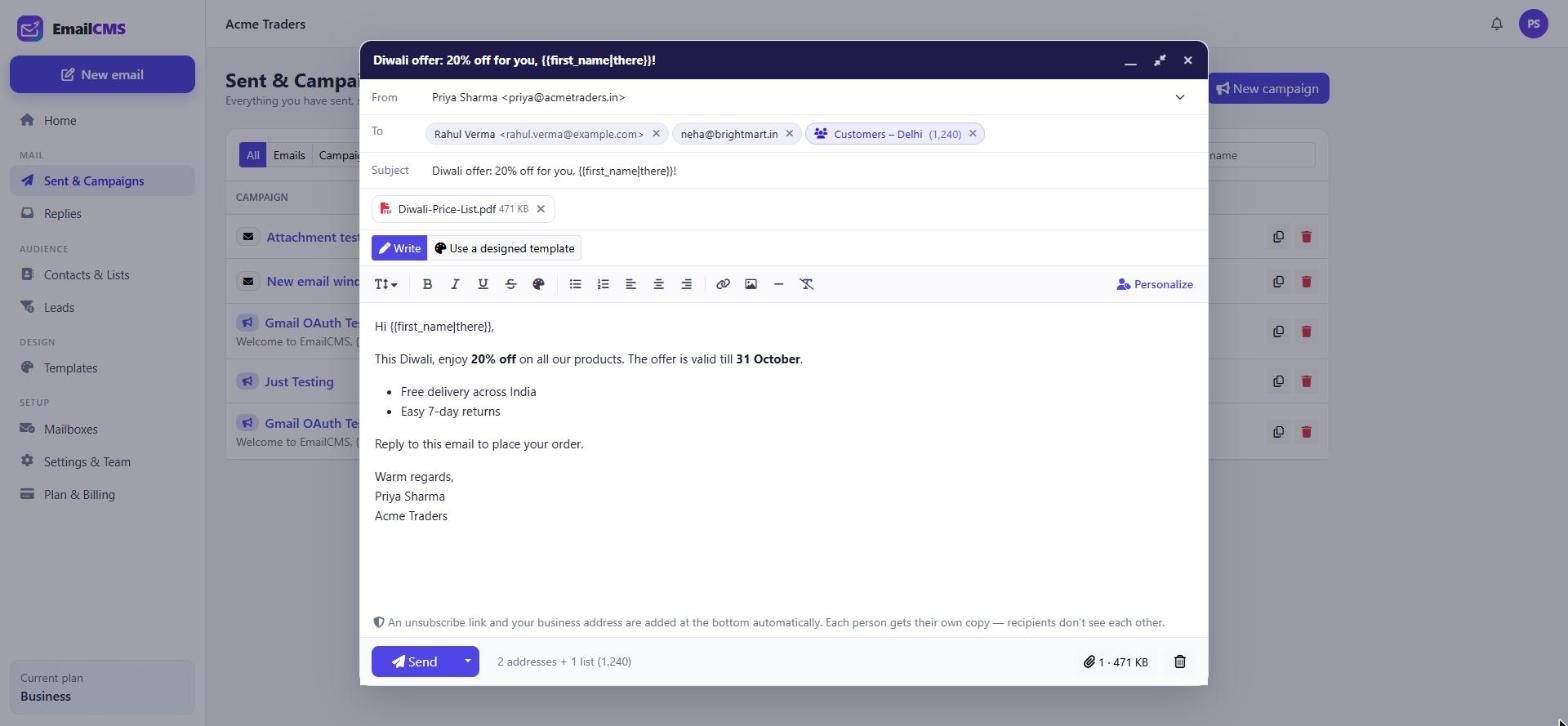
Type addresses or pick whole lists, format your message, personalise with each person’s name and attach files up to 15 MB. Send now or schedule — every recipient gets their own private copy.
- To field with contact & list suggestions
- Attachments: PDF, Word, Excel, images, ZIP
- Drafts saved automatically
Many mailboxes, zero spam risk
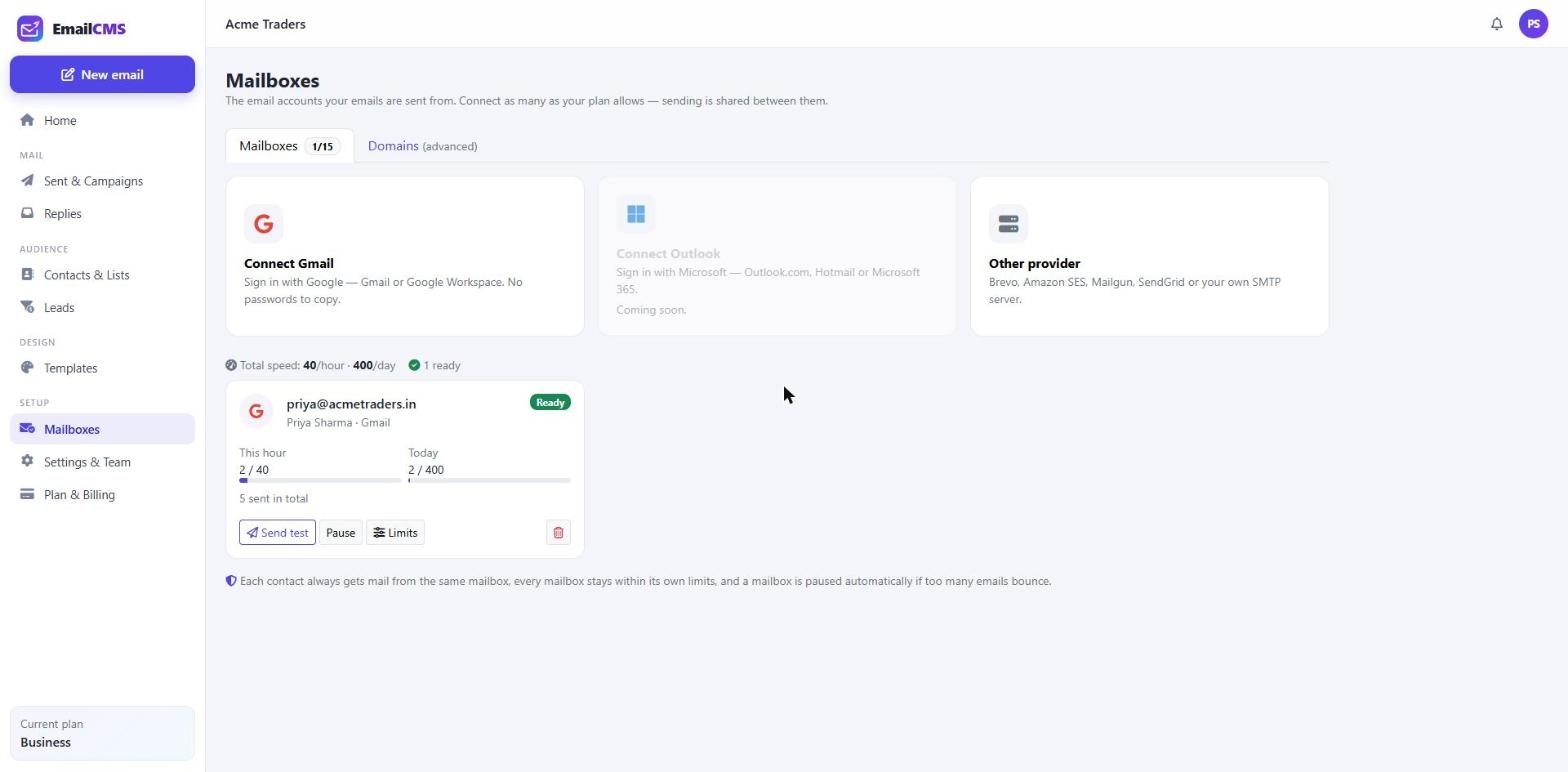
Connect several Gmail or Outlook accounts. EmailCMS shares the sending between them, keeps each one inside its hourly and daily limit, and pauses any mailbox that starts bouncing.
- One-click Google sign-in, no passwords
- Each contact always mailed from the same account
- Automatic pause on high bounce rates
Campaigns in four simple steps
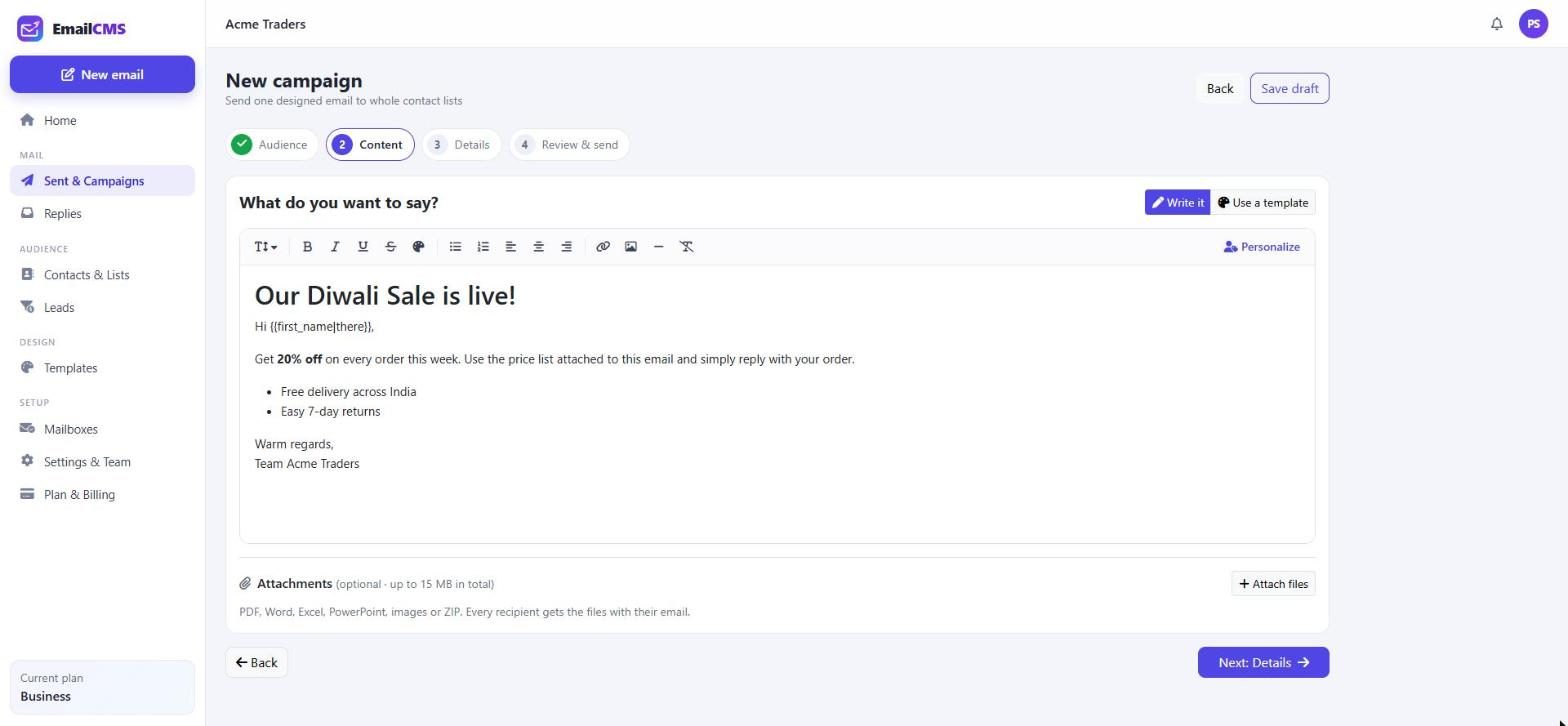
Audience, content, details, review. Write the email yourself or use a designed template, see exactly how many people will receive it, and send yourself a test before going live.
- Pre-send checks with clear messages
- Schedule for later
- Open, click, reply and unsubscribe tracking
Replies become leads
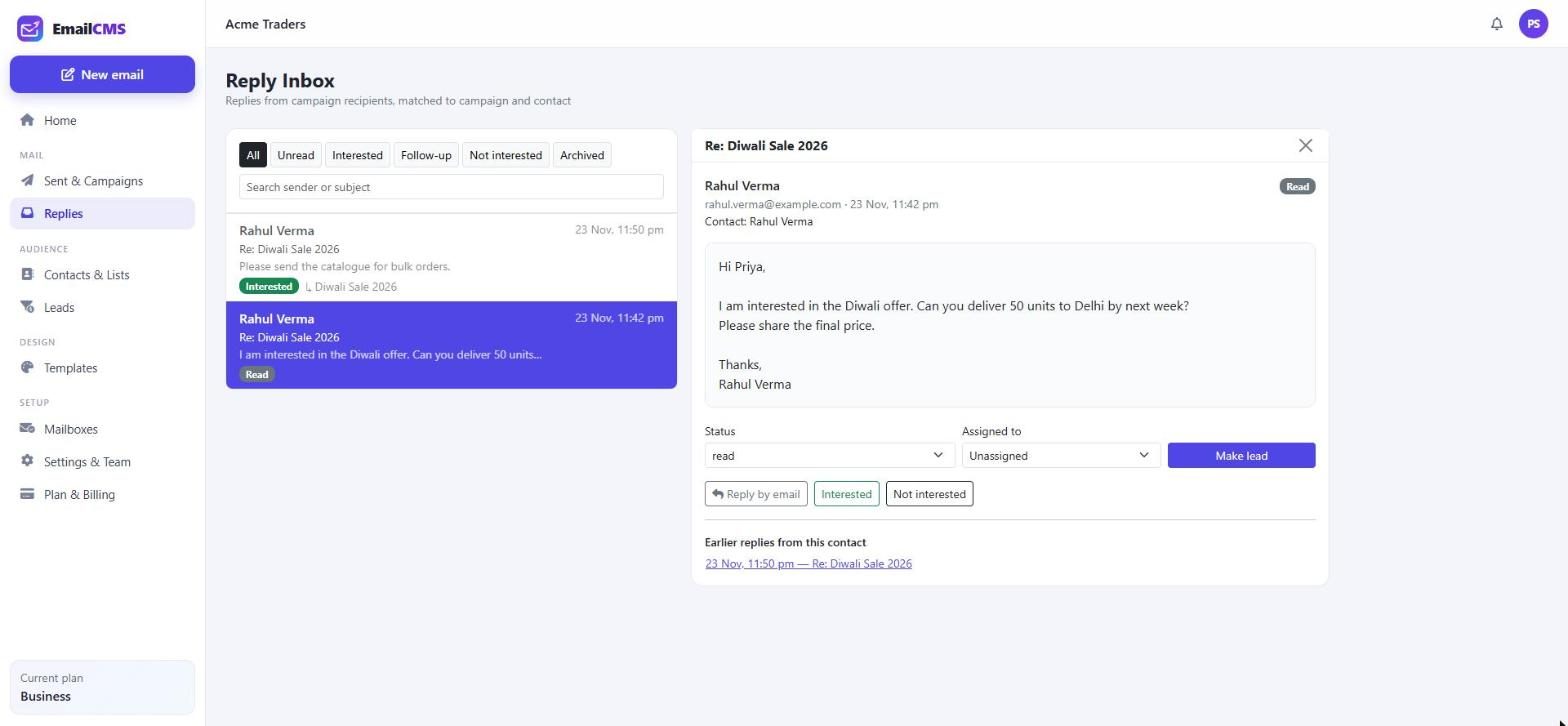
Capture replies in one inbox, mark the interested ones, assign them to your team and move them through a simple pipeline until the deal is won.
- Statuses: Interested, Follow-up, Not interested
- One-click “Make lead”
- Kanban pipeline for your team
Compliance built in
Unsubscribe link, business address and suppression list on every email.
Team roles
Owner, Admin, Campaign Manager, Designer and Viewer.
Template builder
Responsive blocks with live desktop and mobile preview.
Clear reports
Sent, opened, clicked, replied — per campaign and mailbox.
CSV & Excel import
Column mapping, validation and duplicate removal.
Pay your way
UPI, cards, netbanking and wallets through Razorpay.
Simple pricing in ₹
Start free for 14 days. Upgrade when you are ready.
Questions people ask
Send your first email in the next 10 minutes
Create your account, connect Gmail, import contacts — the guide walks you through every step.